Local AI Hardware in 2026: What Runs on Consumer PCs?
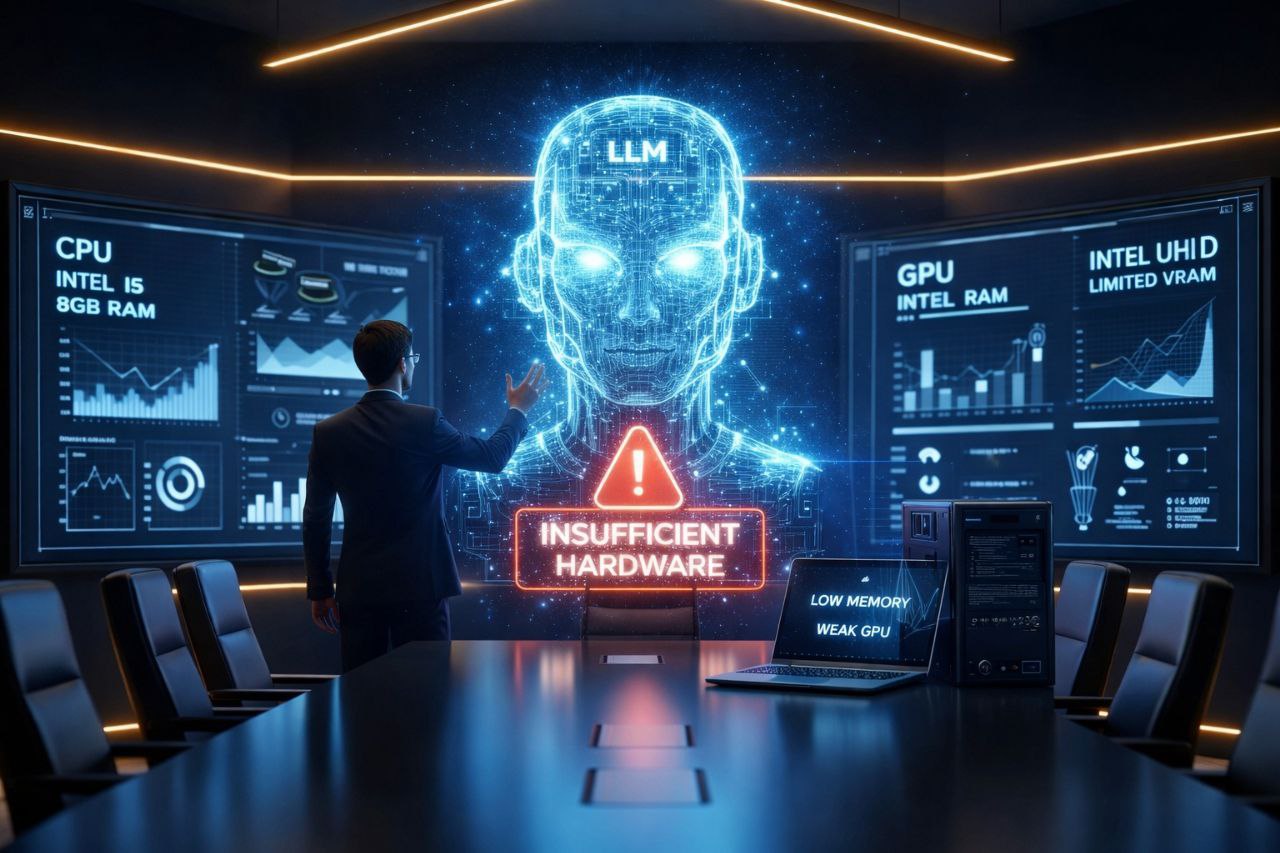
Local AI sounds simple until real hardware gets involved. The gap between demo videos and consumer laptops is where many AI products either become useful — or frustrating.
I’ve seen this pattern in the wild: in 2026, running LLMs locally promises privacy, API independence, and cost control, but the hardware most people own just isn’t up to the task. The practical path is hybrid: ship local where you can, move production to the cloud, and keep expectations grounded about what local performance can actually deliver.
Quick answer: can consumer PCs run local AI in 2026?
Yes, but with limits:
- Normal laptops: good for small speech models, lightweight transcription, and small quantized LLMs.
- Gaming PCs with NVIDIA RTX GPUs: good for local Whisper, 7B/8B LLMs, and some real-time AI workflows.
- High-end consumer rigs: can handle larger contexts and heavier local models, but still need careful expectations.
- Integrated graphics and 8 GB RAM machines: usually need cloud fallback or very small models.
The winning product strategy is not “local everything.” It is local where privacy, latency, or offline use matters — and hybrid where hardware would make the experience worse.
The Promise of Local LLMs
Here’s what real developers tend to care about:
- Run models like DeepSeek, Qwen, or Llama on your own hardware
- Build apps that don’t hinge on cloud calls
- Skip per-token costs
- Own your data from input to output
Tools like Ollama or LM Studio have made local deployment less painful. Today you can grab a model in GGUF format and spin it up in minutes.
On paper, it looks doable for many people. In practice, though, the reality is harsher.
A big factor folks forget when talking about local LLMs is hardware. Not everyone has a modern RTX with 12–16 GB of VRAM. In fact, plenty of people run on 8–16 GB RAM laptops, without a dedicated GPU, or with integrated graphics on older machines. Those constraints immediately limit what you can run locally.
What a Local LLM Really Needs
Even with quantized and optimized versions, current models still demand:
- A lot of RAM
- Sufficient VRAM for real-time performance
- A modern CPU or a capable GPU
- Adequate cooling
This is also why IliciLabs products use local processing where it creates a real advantage, but stay honest about hardware requirements. For a concrete example, see how Aurora Subtitles uses Whisper, TranslateGemma, and CUDA acceleration for live captions and translation.