
portfolio-deverroresclientesconversion
Developer portfolio: how to find problems in the mobile journey
Updated: November 1, 2026
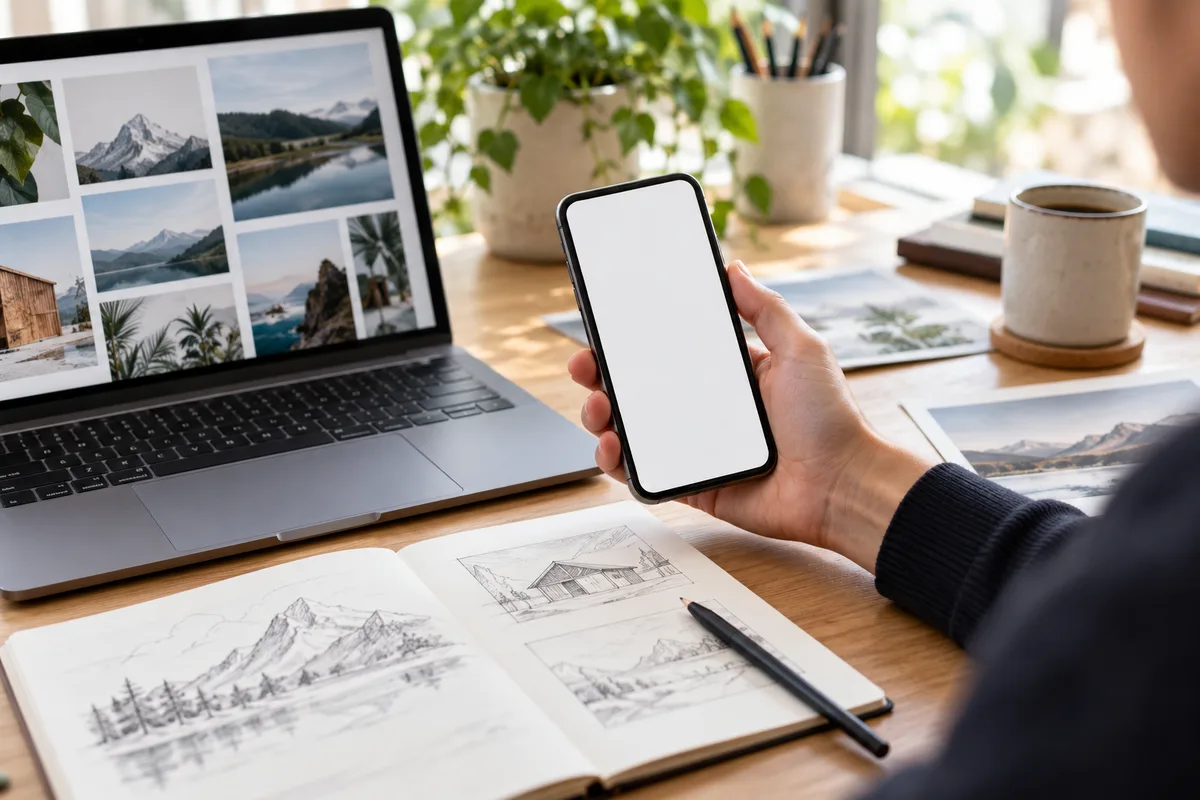
AI-generated image; illustrative scene.
A portfolio that seems clear on a computer can be harder to navigate on a phone. Before assuming a problem costs clients, follow the full path from a project page to contact and note where a question or failed action appears.
Follow the journey as a visitor
- Open a project on a small screen. Check whether its audience, problem and your own contribution are understandable without zooming.
- Check that text is not clipped and that links and buttons can be distinguished and used. Also check the route with a keyboard where possible; the W3C guidance helps review accessible design.
- Check the evidence: an image needs useful alternative text and a demo or documentation link should lead to the right resource. Label fictional examples and do not share client data without permission.
- Follow the contact route until you know what information it asks for and what happens next. Test the form with an authorised test message and do not count a click as an enquiry received.
- Check that each product states its real status. Aurora Subtitles is in Early Access for Windows 11 x64; Nivora is presented for Android and remains in preparation, with no public download or announced date.
Decide what to fix first
Record the page, device, observed issue and how to reproduce it. Prioritise broken links or forms, then clarify ambiguous explanations. Check the route again after each change; involve real people only with their consent and without exposing personal data.
If you measure, distinguish visits, clicks and enquiries received and respect applicable consent. A mobile review can identify friction, but it does not guarantee sales or by itself show why someone chose not to get in touch.